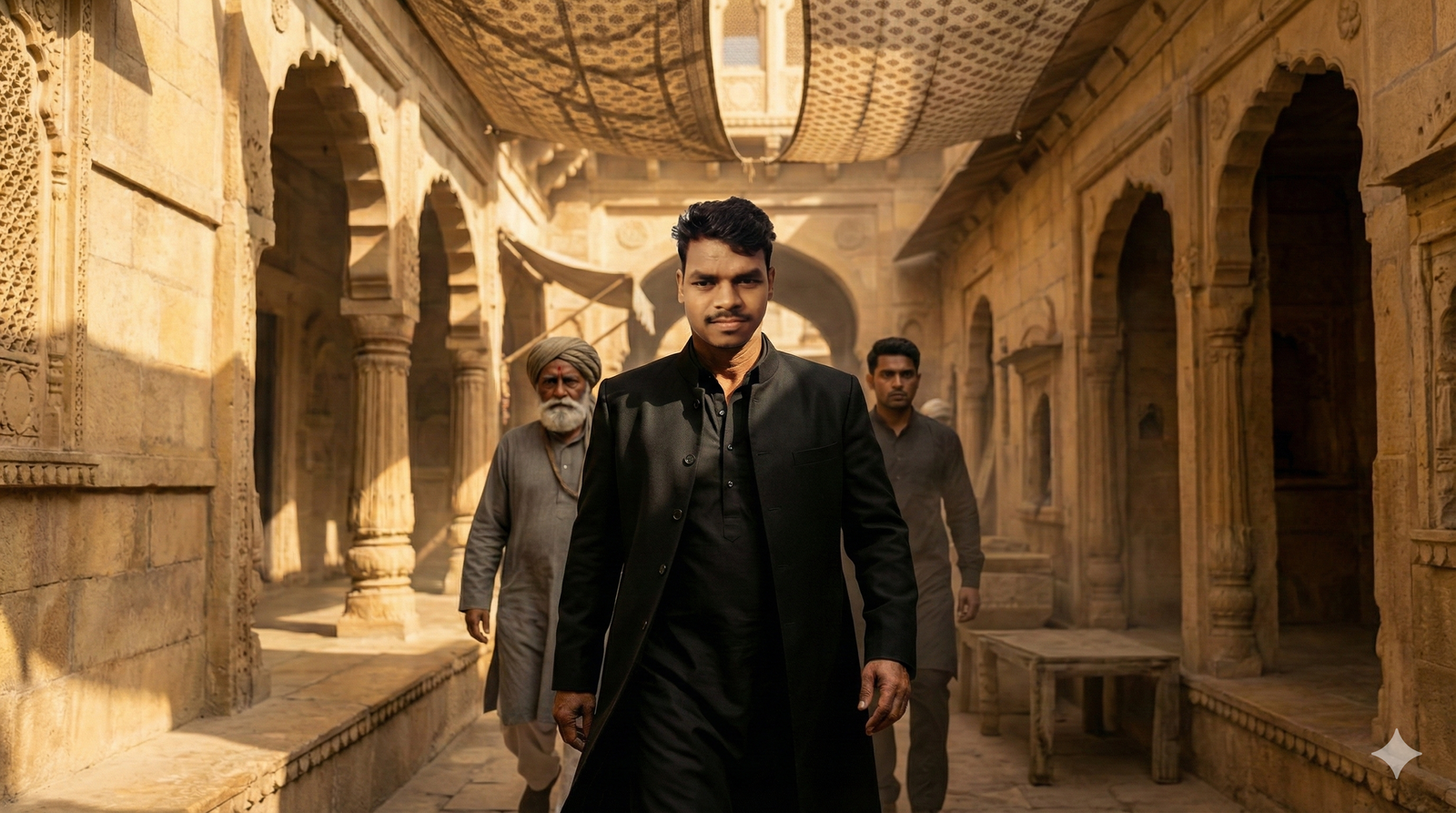
The Dhurandhar movie has taken social media by storm — especially Akshaye Khanna's powerful, attitude-filled pose that's dominating Instagram. Now, fans are recreating this iconic look using AI tools like Google Gemini and AI photo editors.
In this guide, you'll find the most effective Dhurandhar AI photo editing prompts to generate cinematic, ultra-realistic images and make your next photo go viral.
What Is the Dhurandhar AI Photo Trend?
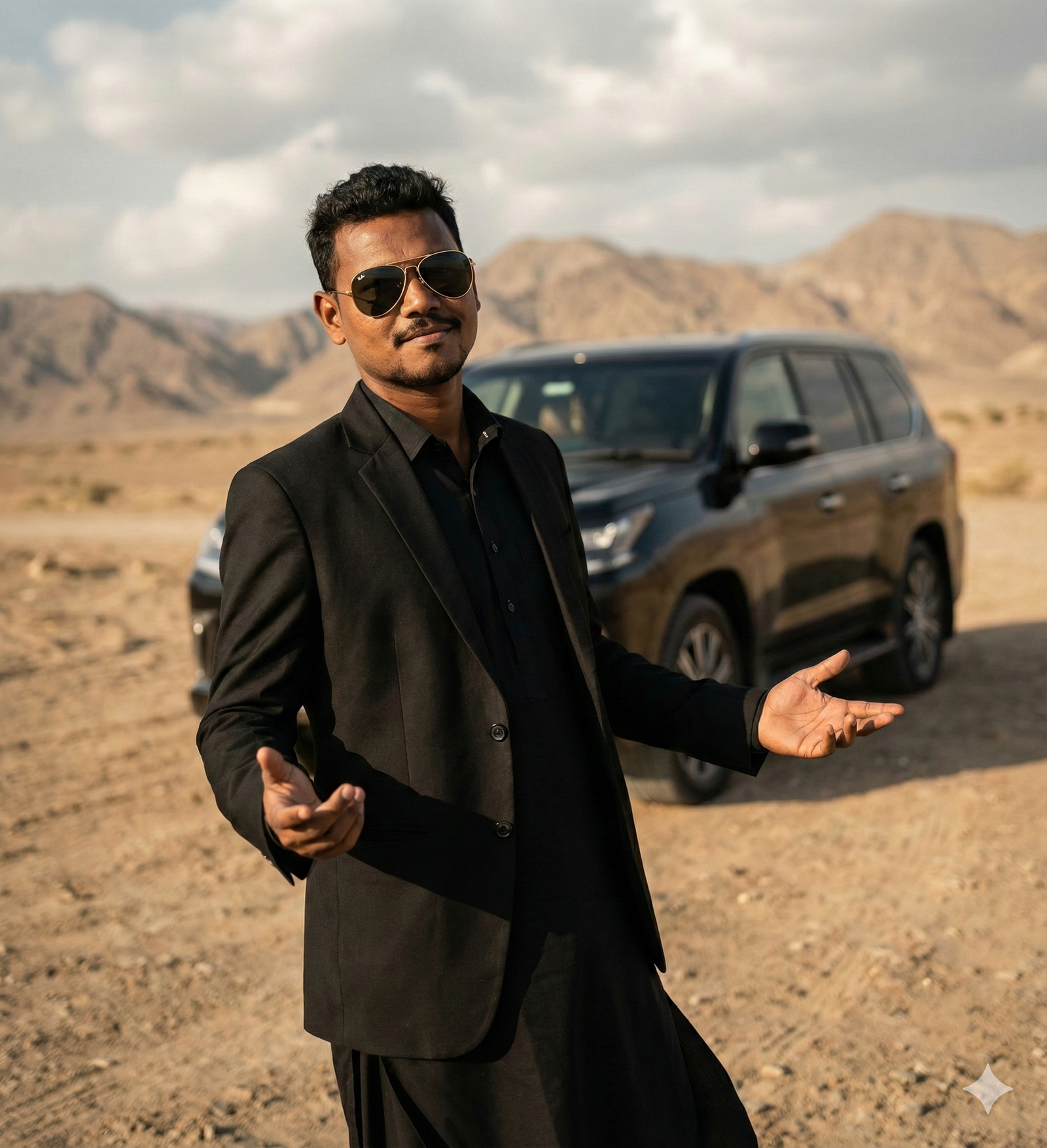
The Dhurandhar trend started when a still from the movie featuring Akshaye Khanna went viral. His bold stance — arms extended, confident expression, and signature black outfit — became an instant favorite.
AI enthusiasts are now using Google Gemini prompts to replicate that same look with their own faces. The results? Cinematic, movie-poster-like images that rack up thousands of likes across Instagram and YouTube Shorts.
Best Akshaye Khanna Dhurandhar AI Photo Editing Prompts
Below are the top AI prompts you can copy and use directly with Google Gemini or any advanced AI photo editor.
1. Rehman Dakait AI Prompt
2. Dhurandhar BTS Group Photo
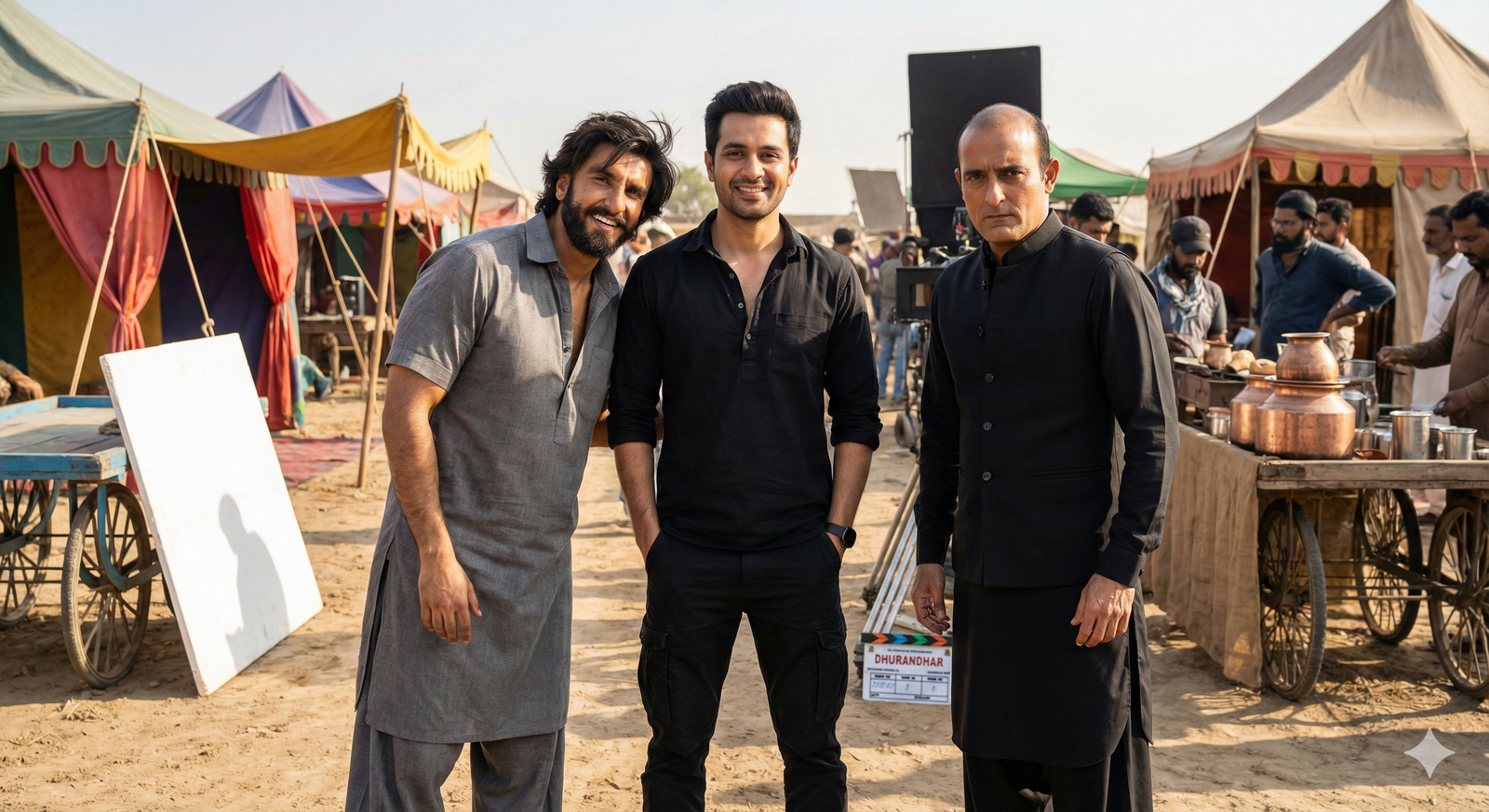
3. Ranveer Singh & Akshaye Khanna BTS Portrait
Include realistic movie-set details — tents, chai stalls, dusty flooring, and reflector boards.
Akshaye in black kurta; Ranveer in gray traditional attire with expressive smile.
4. Vibrant Cultural Desert Dance Portrait
The user wears a black kurta, short black coat, and muffler with sunglasses.
Surround with joyful Balochi dancers and two distant Afghani bodyguards.
Hyper-realistic 8K detail, warm color tones, cultural vibrance.
5. Candid Desert BTS Selfie
6. Heroic Cinematic Entry Shot
Dusty background, golden lighting, and motion blur create a dramatic hero-entry effect.
Ultra-realistic 8K cinematic color grading.
7. Cinematic Heroic Village Entry
The user smiles confidently with arms stretched wide and sunglasses on.
Harsh sunlight filters through wooden beams, adding depth and cinematic shadows.
How to Create Dhurandhar Movie Scene Photos
Creating these trending AI photos is easier than ever. Follow these simple steps:
- Copy any AI prompt from the list above.
- Go to Google Gemini and log into your account.
- Upload your desired photo using the image icon.
- Paste the selected prompt into the text box.
- Activate the "Create Image Nano Banana" feature.
- Send the prompt and wait a few seconds for processing.
- Download the final AI-generated photo and save it.
Why Is the Dhurandhar Photo Trend Going Viral?
The Dhurandhar photo trend perfectly blends Bollywood charisma with AI innovation.
Fans love the cinematic, attitude-filled visuals — and AI tools now make it effortless for anyone to recreate them.
Akshaye Khanna's striking pose, combined with Gemini's realistic rendering, has made these images a social-media phenomenon. Whether you're an influencer or just experimenting, Dhurandhar-style edits can boost engagement and visibility instantly.
Conclusion
And that's how you can create your own Akshaye Khanna Dhurandhar AI photos like a pro!
Using these Google Gemini AI prompts, you can design movie-poster-quality images in minutes.
Try them today, experiment with lighting and poses, and share your masterpieces online. The trend is moving fast — so join it now and make your photos stand out in 2025!